

(PR) QNAP NMP-1000 Brings Networked Video, Audio, Digital Pictures to the Living Room
QNAP Systems, Inc, a world-class manufacturer of Network Attached Storage (NAS) servers today unveiled a unique new network appliance that can best be described as a set-top player crossed with a NAS server. Computer users around the globe face the dilemma of how to centrally store, manage, and playback growing amounts of digital content spread around the home on multiple computers.
"QNAP's ground-breaking NMP-1000 Network Multimedia Player is the definitive product that bridges the gap between the home network and the living room" said Meiji Chang, CEO of QNAP Systems, Inc. "Users are clamoring to centrally store and enjoy all their digital content in the living room and the NMP-1000 just fits the bill" Mr. Chang added.


Read More ...
(PR) Sharkoon Introduces QuickPort Combo HDD Adapter with IDE Support
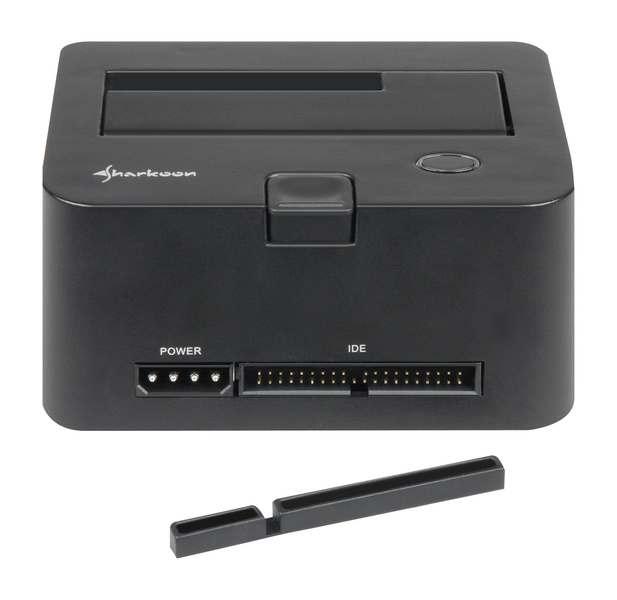
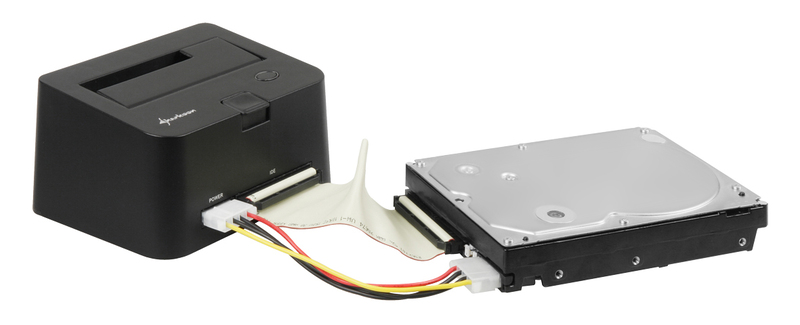
Due to numerous customer requests, Sharkoon has expanded their "QuickPort" hard drive adapter-series with a model that now includes an additional IDE-interface: The Sharkoon QuickPort Combo now offers an interface for IDE-devices located beside the SATA-hard drive connection port.
Sharkoon's QuickPort models are the ideal solutions for hard drive collectors, allowing them to attach their external storage mediums quickly and easily to their PC or notebooks- perhaps occasionally for a fast HD-backup or for also accessing the private hard drive media center as an application for a TV streaming client. The hard drive is simply inserted into the QuickPort and immediately recognized as a device, therefore eliminating time consuming installation to a computer or external housings. The adapter itself is attached via USB to the computer. Like the previous models, the QuickPort Combo also accommodates SATA-Hard Drives in both 2.5 and 3.5 inch formats. A folding mechanism ensures a secure hold on either size model. When finished, users can simply take the hard drive with them by utilizing the eject button.

Read More ...


No comments:
Post a Comment